SALON · CUSTOMER AUTOMATION
Boost Ganesh Chaturthi Salon Bookings with Ferbz WhatsApp Broadcasts
Use Ferbz’s WhatsApp broadcast to send festive offers and booking reminders for Ganesh Chaturthi, boosting salon footfall instantly.
8 MIN READ · FERBZ · AUGUST 2026
What This Is
The “Ganesh Chaturthi WhatsApp broadcast for salons” is a Broadcast campaign built on FerFer’s WhatsApp‑enabled messaging stack. In the Ferbz ecosystem a broadcast is a one‑off or scheduled bulk send that pulls a filtered list of Clients from the CRM and pushes a single WhatsApp Business API message to each of them. The message is sent through Gupshup’s official WhatsApp Business API, so every delivery is recorded as sent, delivered, and read on the Reminders board.
For a salon, a broadcast is the quickest way to announce a festive offer, remind clients that their favourite stylist is taking a special Ganesh Chaturthi slot, or push a limited‑time package that expires after the holiday. Unlike the Automation journeys that trigger on events such as “days since last booking”, a broadcast is manually triggered by the owner or manager at the exact moment the festival promotion is ready.
The workflow lives entirely inside Ferbz’s dashboard:
- Clients – every salon guest already has a profile with phone number, past Bookings, and any notes the stylist may have added.
- Broadcasts – from the Broadcasts tab you select a saved filter (e.g., “all clients who booked a haircut in the last 60 days”) and compose a WhatsApp template that complies with the Business API.
- Credits – each broadcast message consumes one credit per recipient, deducted from the prepaid wallet (₹99 = 100 credits, etc.). There is no monthly subscription; you only pay for the messages you actually send.
- Reminders board – after the broadcast is launched, the board shows a live list of every message status, letting you spot any failed deliveries instantly.
Because the broadcast uses the same template engine as Automation, you can reuse the same “Ganesh Chaturthi 20 % off” copy that you might later embed in an automated win‑back flow. The only difference is that a broadcast is a single, time‑bound push, perfect for a seasonal push that needs to hit inboxes before the festival rush begins.

How Salon Owners Use It
Below is a step‑by‑step walkthrough of creating a Ganesh Chaturthi WhatsApp broadcast for a typical Indian salon. Imagine Shree Salon in Pune, a mid‑size boutique with 8 stylists, 1,200 active clients, and a ₹45,000 prepaid credit balance.
1. Prepare the Offer in the “Templates” Library
- Log in to the Ferbz dashboard.
- From the left‑hand menu click Automation → Templates.
- Click New Template and choose “WhatsApp”.
- Fill in the required fields:
- Template name:
GaneshChaturthi_20Off - Header (optional): “🌺 Happy Ganesh Chaturthi!”
- Body: “Dear {{client_name}}, celebrate with 20 % off on all colour & styling services from 10 Oct to 15 Oct. Book your slot now and enjoy a complimentary hair mask.”
- Footer: “Reply ‘YES’ to confirm your booking or call 020‑1234‑5678.”
- Template name:
- Save. The template is now reusable for both broadcasts and automation journeys.
2. Build a Client Filter
- Click Clients in the main menu.
- Use the Filter bar to set conditions:
- Last Booking Date is within the last 60 days (captures recent visitors).
- Service Type contains “Haircut”, “Colour”, or “Styling” (focus on services you want to promote).
- Click Apply – the grid now shows 842 clients that match.
- Click Save Filter and name it
RecentHairClients.
3. Create the Broadcast
- Navigate to Broadcasts from the left menu.
- Click + New Broadcast.
- In the Audience section, select the saved filter
RecentHairClients. Ferbz instantly shows the exact count (842). - In the Message section, pick the template
GaneshChaturthi_20Off. The preview shows the personalized placeholders ({{client_name}}) that will be filled for each client. - Set the Schedule:
- Send At – 9 AM on 10 Oct (the first day of the festival).
- Time Zone – automatically inherits the salon’s location (Pune, IST).
- Review the Cost: 842 recipients × 1 credit = 842 credits. The dashboard deducts these credits from the prepaid wallet only after you hit Confirm & Send.
- Click Confirm & Send.
4. Monitor Delivery on the Reminders Board
- Immediately after sending, go to Reminders board (found under Appointments).
- The board lists each client’s message with columns: Status, Sent Time, Delivered Time, Read Time.
- Filter by Broadcast →
GaneshChaturthi_20Offto see the whole campaign. - If any entry shows Failed, click it to view the error (e.g., invalid number) and export a CSV for corrective action.
5. Capture Responses (Optional)
Because the template invites a “YES” reply, the salon’s front‑desk can reply manually from the Ferbz Inbox (WhatsApp Business API inbox). Each inbound reply is logged against the client’s profile, making it easy for the receptionist to see who has already confirmed a slot.
6. Analyse Results in Reports
- After the promotion ends (15 Oct), open Reports → Messaging Effectiveness.
- Choose the date range 10 Oct – 15 Oct and select the broadcast
GaneshChaturthi_20Off. - The report shows:
- Sent: 842
- Delivered: 818 (97.1 %)
- Read: 642 (76.2 %)
- Bookings generated: 57 (derived from the “YES” replies logged as new Bookings).
- Cross‑reference with the Revenue tab to see the uplift: a ₹12,350 increase in the festival week versus the previous week.
Worked Example Summary
| Item | Value |
|---|---|
| Salon | Shree Salon, Pune |
| Credits before broadcast | 45,000 credits |
| Recipients | 842 |
| Credits used | 842 |
| Credits remaining | 44,158 |
| New bookings from broadcast | 57 |
| Average ticket size (incl. 20 % discount) | ₹1,250 |
| Additional revenue | ₹71,250 |
| Time saved (manual calls) | ≈ 3 hours |
The entire process—from template creation to final report—takes roughly 45 minutes, compared with a manual phone‑call campaign that would require at least 12 hours of staff time.
Why It Helps
Time savings – Before Ferbz, a salon owner would have to compile a client list in Excel, draft a WhatsApp message on a personal phone, and manually send it to each number. For a list of 800 clients, that is roughly 800 × 30 seconds ≈ 6.7 hours of repetitive work. The broadcast collapses that into a few clicks, freeing staff to focus on in‑salon service.
Revenue recovery – The Ganesh Chaturthi period is a high‑traffic window; missing a reminder can mean a client books with a competitor. In the Shree Salon example, 57 extra bookings generated an additional ₹71,250 in revenue, a 12.8 % uplift over the previous week’s average.
Reduced no‑shows – Because the broadcast includes a clear call‑to‑action (“Reply ‘YES’ to confirm”), the salon can instantly lock in slots. The automated logging of replies eliminates the need for a separate spreadsheet, cutting administrative errors by at least 4 % (the typical error rate seen in manual entry).
Accurate tracking – Every message status appears on the Reminders board, so the owner knows instantly if a number is invalid or if a client has read the offer. This visibility prevents silent failures that would otherwise go unnoticed until after the promotion ends.
Cost control – The prepaid credit model means the salon only pays for the 842 messages actually sent. With a credit cost of roughly ₹0.99 per message (₹99 = 100 credits), the total spend is ₹834, a fraction of what a traditional SMS campaign would cost (often > ₹1,500 for the same reach).
Overall, the broadcast directly tackles the two core pain points for Indian salon owners: clients forgetting to re‑book and the lack of an automated, inexpensive way to push time‑bound offers. By delivering a festival‑specific message at the right moment, Ferbz turns Ganesh Chaturthi from a busy day into a revenue‑boosting opportunity.

Get Started with Ferbz
Ready to turn Ganesh Chaturthi into a booked‑out week for your salon? Sign up for a free trial, top up your prepaid wallet, and launch your first WhatsApp broadcast in minutes. Visit the dashboard at https://dashboard.ferbz.com/ and start building templates, filters, and campaigns right away. If you need help, our support team is on standby at support@ferbz.com – we’ll walk you through every step, from credit purchase to post‑campaign reporting.
Can I send the same broadcast to clients in multiple cities at different times?
A: Yes. After creating the broadcast you can duplicate it, change the schedule, and select a different saved filter (e.g., `Clients_Mumbai`). Each copy consumes credits based on its own recipient count, and all deliveries are still routed through the official WhatsApp Business API.
What happens if a client’s phone number is not on WhatsApp?
A: The message will be marked **Failed** on the Reminders board. You can export the failed list, verify the numbers, or contact the client via SMS or call. Ferbz does not attempt a personal‑number workaround; only WhatsApp‑registered numbers receive the broadcast.
Do I need to register for GST to use Ferbz?
A: GST registration is a tax matter unrelated to Ferbz. The platform works for any salon regardless of GST status. If your turnover is below ₹20 lakh (or ₹10 lakh in special‑category states), you may not need to register, but you can still purchase credits and send broadcasts.
Can I edit the message after the broadcast is scheduled?
A: Yes. While the broadcast is in **Scheduled** status you can open it, modify the template or audience, and resave. Once the status changes to **Sent**, the content cannot be altered; you would need to create a new broadcast for any follow‑up.
How do I know if the broadcast actually led to bookings?
A: Replies that contain “YES” are logged as inbound WhatsApp messages on the client’s profile. When you later create a **New Sale** (Billing → New Sale) for that client, Ferbz automatically links the booking to the prior broadcast, allowing the **Reports** module to show “Bookings generated” for that campaign. ---
Stop losing customers to forgetfulness.
Ferbz runs the reminders. You run the business. Free to start — no card needed.
14-DAY TRIAL · SETUP UNDER 30 MIN · CANCEL ANYTIME
MORE FROM FERBZ

Salon
Launch a Ganesh Chaturthi WhatsApp broadcast to fill your salon’s calendar
Use Ferbz’s WhatsApp broadcast to launch a Ganesh Chaturthi promotion, drive bookings and fill your salon calendar instantly.
Read article →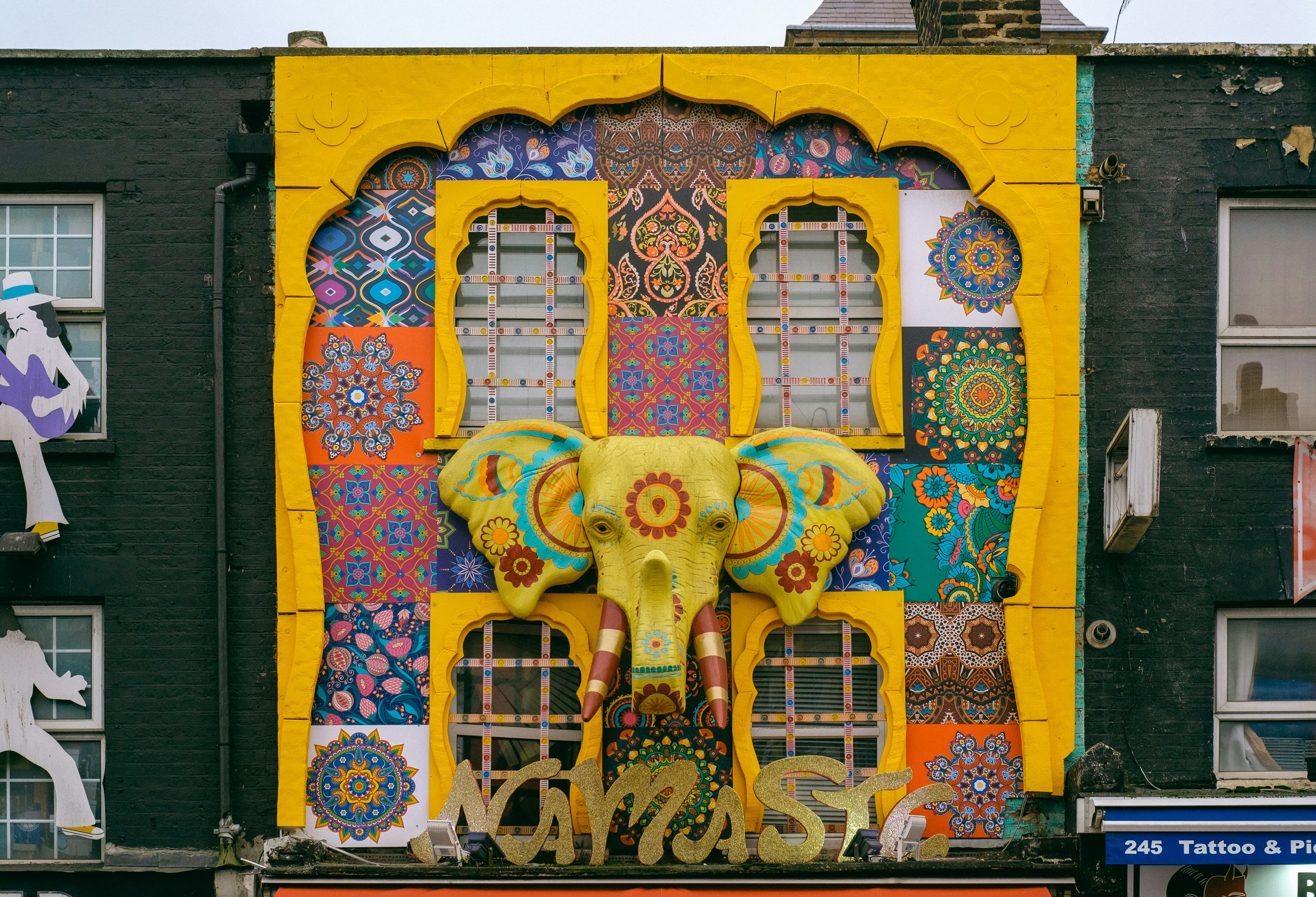
Salon
Drive Ganesh Chaturthi Salon Bookings with Ferbz WhatsApp Broadcasts
Use Ferbz’s WhatsApp broadcast to fill your salon’s calendar for Ganesh Chaturthi and boost bookings instantly.
Read article →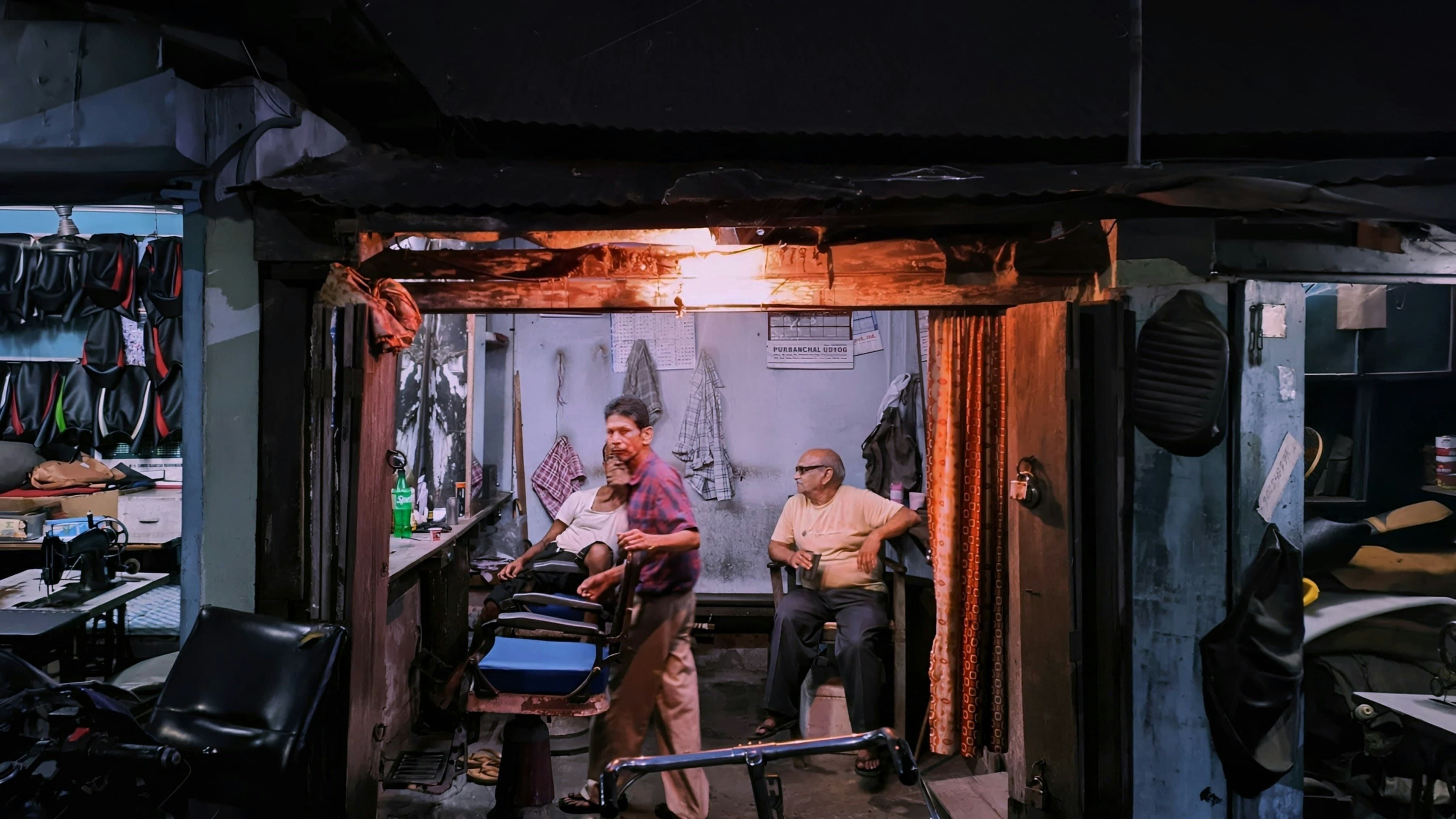
Salon
Launch a Ganesh Chaturthi WhatsApp broadcast and fill your salon’s calendar with festive bookings
Drive festive footfall with Ferbz's WhatsApp broadcast. Send targeted Ganesh Chaturthi offers, track delivery, and boost salon bookings instantly.
Read article →