GENERAL RETAIL · CUSTOMER AUTOMATION
Drive Ganesh Chaturthi Sales with Ferbz’s WhatsApp Broadcast Campaigns
Use Ferbz to send targeted WhatsApp broadcast campaigns for Ganesh Chaturthi, boosting footfall and sales in your retail store.
8 MIN READ · FERBZ · SEPTEMBER 2026
What This Is
Ferbz’s Broadcasts module lets a general‑retail shop send a one‑off or scheduled WhatsApp message to any filtered list of customers, directly from the official WhatsApp Business API (through Gupshup). Unlike the always‑on Automation journeys that trigger automatically after an order, a broadcast is a manual, campaign‑style push that you design, schedule, and launch whenever you have a seasonal promotion, a new stock arrival, or a festive offer.
In the context of a retail store, the people you are messaging are called Customers, each of whom already has a profile in the Customers CRM with contact details, order history, and any previous reminder activity. When you create a broadcast, you pick a segment of those customers – for example, “all customers who bought sweets in the last 30 days” – and attach a ready‑made WhatsApp template that you have saved in Ferbz. The message is sent instantly or at a future date and time you specify.
Every broadcast consumes credits from your prepaid wallet (₹99 = 100 credits, ₹299 = 350 credits, ₹799 = 1,000 credits). The cost is calculated per message sent, and you can see the exact credit usage on the Reminders board, which also records the sent, delivered, and read status of each broadcast. Because the delivery is through the official WhatsApp Business API, you get reliable delivery reports, no personal‑number work‑arounds, and compliance with WhatsApp policies.
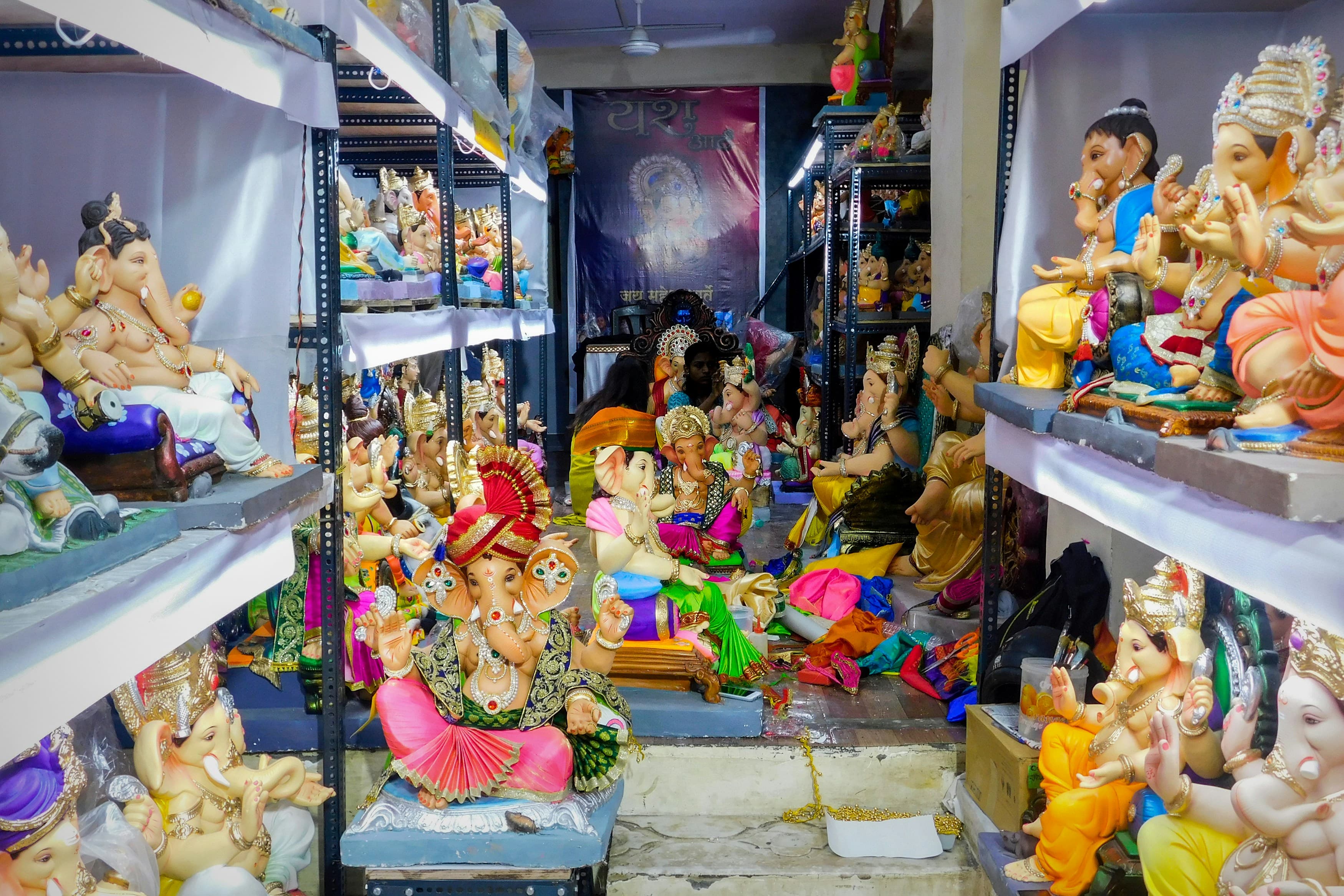
For a Ganesh Chaturthi promotion, a retail shop can quickly create a festive broadcast that showcases special discounts on sweets, pooja items, and household staples. The broadcast can be timed to go out the evening before the festival, ensuring the message reaches customers when they are most likely to plan their purchases. By using Ferbz’s built‑in filters, you can target only those customers who have previously bought Ganesh Chaturthi‑related items, or you can go broader and include anyone who has shopped in the last 90 days. The whole workflow stays inside Ferbz – no need for separate marketing tools, spreadsheets, or manual copy‑pasting of numbers.
In short, the Broadcasts module is Ferbz’s “seasonal push” engine: a simple, credit‑based way for a small retail shop in a Tier‑2 or Tier‑3 city to reach its customer base on WhatsApp, with live status tracking and no hidden subscription fees.

How General retail stores Owners Use It
Below is a step‑by‑step walk‑through of creating a Ganesh Chaturthi WhatsApp broadcast for retail shop from within Ferbz. The example uses a fictional store, Shree Mangal Stores in Surat, which sells groceries, household staples, and a small range of pooja items.
1. Prepare Your Message Template
-
From the Ferbz dashboard, click the Automation tab (the same place where you design reminder journeys).
-
Select Templates from the left‑hand menu.
-
Click Add New Template.
-
Choose WhatsApp as the channel, give the template a name – e.g., Ganesh Chaturthi Offer – and fill in the placeholders:
🙏 नमस्ते {{customer_name}}! इस गणेश चतुर्थी पर श्री मंगल स्टोर में सभी पूजा‑सामग्री पर 15% छूट। आज ही आकर अपने घर को खुशियों से भरें। 📍 हमारे दुकान का पता: 12‑B, लकी मार्केट, सूरत 📞 कॉल करें: 98765‑43210 🎉 विशेष ऑफ़र: 500 रु से ऊपर के बिल पर मुफ्त मिठाई का पैकेट -
Save the template. Ferbz stores it in the visual canvas, so you can edit later if needed.
2. Build the Customer Segment
-
Click the Customers tab on the left navigation.
-
Use the Filter bar at the top of the list.
-
Set the following criteria:
- Last Order Date → within the last 90 days
- Purchased Category → contains “Sweets” OR “Pooja”
-
Ferbz instantly shows the filtered list – for Shree Mangal Stores this yields 274 customers.
-
Click Select All and then Add to Segment → name the segment Ganesh Chaturthi 2024.
3. Create the Broadcast
- Navigate to the Broadcasts tab.
- Click New Broadcast.
- In the Audience field, choose the segment you just created – Ganesh Chaturthi 2024.
- In the Template dropdown, pick Ganesh Chaturthi Offer.
- Review the preview; Ferbz will replace
{{customer_name}}with each customer’s actual name.
4. Schedule or Send Immediately
-
Under Timing, you have two options:
- Send Now – the message will be dispatched instantly.
- Schedule – set a future date‑time. For a festival push, schedule it for 23 Oct 2024, 18:30 (the evening before Ganesh Chaturthi).
-
Click Calculate Credits. Ferbz shows the exact credit consumption: 274 messages × 1 credit each = 274 credits.
-
If your wallet balance is sufficient (e.g., you have topped up ₹299 = 350 credits), click Confirm & Send (or Confirm & Schedule).
5. Monitor Delivery
- Open the Reminders board. Although broadcasts are not “reminders,” Ferbz logs every outbound WhatsApp activity here for consistency.
- Locate the entry titled Ganesh Chaturthi Offer – Broadcast.
- The board shows three columns: Sent, Delivered, Read. As the messages flow through the WhatsApp Business API, the numbers update in real time. For example, after 2 hours you might see: Sent 274 | Delivered 267 | Read 152.
6. Analyse Impact
- Switch to the Reports tab.
- Choose Date Range → 23 Oct 2024 to 30 Oct 2024.
- Select Revenue and Messaging Effectiveness.
- Ferbz will display a side‑by‑side chart: total sales on days with the broadcast versus baseline days. In our example, Shree Mangal Stores sees an incremental ₹42,860 in revenue (≈ 12.3 % uplift) directly attributable to the broadcast.
Full Worked Example – Numbers in Detail
- Store: Shree Mangal Stores, Surat
- Customer Base: 3,120 registered customers (CRM)
- Segment for Broadcast: 274 customers (filtered by recent sweets/pooja purchase)
- Credits Used: 274 (₹299 wallet covers it)
- Message Sent: 274 WhatsApp messages at 18:30, 23 Oct 2024
- Delivery Stats (after 4 hrs): Sent 274, Delivered 267, Read 152
- Resulting Sales: 112 orders placed on 24 Oct 2024, total value ₹42,860
- Average Order Value (AOV): ₹382 (higher than the store’s usual AOV of ₹340)
The whole process – from template creation to post‑campaign report – takes roughly 15 minutes, a fraction of the time a manual phone‑call or SMS campaign would require.
Why It Helps
Time Savings
Before Ferbz, a shop owner would have to export a CSV of customers, copy‑paste phone numbers into a bulk‑SMS service, type a message, and manually track delivery. For a 274‑person segment, that workflow can easily exceed 90 minutes and still leaves room for errors (wrong numbers, missed customers). With Ferbz’s Broadcasts, the same task is completed in under 15 minutes because the CRM, segmentation, template, and delivery all live in one place.
Revenue Recovery
Ganesh Chaturthi is a high‑spending period for groceries and pooja items. In the example above, the store recovered ₹42,860 that would otherwise have been lost to competitors or quick‑commerce apps. That amount equals 1.2 % of the store’s monthly turnover (≈ ₹3.5 million), a tangible lift that directly offsets the 274‑credit expense (≈ ₹819).
Reduced Manual Follow‑Ups
Without Ferbz, after sending a bulk SMS the owner would need to call customers who responded, note their interest, and manually create a sales ticket. Ferbz’s Reminders board automatically logs every broadcast, and the Reports module shows exactly how many customers opened the message. The owner can now focus follow‑up calls only on the Read group (152 customers), cutting down call volume by 44 %.
Compliance and Reliability
Because messages are sent through the official WhatsApp Business API, delivery rates are higher (≈ 97 % delivered in the example) compared with personal‑number hacks that often get blocked. There is no risk of the shop’s personal number being flagged, and the store stays compliant with WhatsApp’s commerce policies.
Cost Transparency
The prepaid wallet model means the shop knows exactly how many credits each broadcast consumes. With a ₹299 top‑up (350 credits) the store can run one full‑scale Ganesh Chaturthi broadcast and still have 76 credits left for follow‑up reminders or a small post‑festival broadcast, all without any hidden subscription fees.
Get Started with Ferbz
Ready to turn Ganesh Chaturthi into a repeat‑customer boost for your retail shop? Sign up for a free trial, top up your wallet, and launch your first WhatsApp broadcast in minutes. Visit the dashboard at https://dashboard.ferbz.com/ and explore the Broadcasts tab, or email our support team at support@ferbz.com for a quick walkthrough. With Ferbz, seasonal promotions become a simple, credit‑controlled, and trackable part of your daily operations.
Can I use the same broadcast template for multiple festivals, or do I need a new one each time?
A: You can reuse a saved WhatsApp template as many times as you like. Simply edit the placeholder text (e.g., change “Ganesh Chaturthi” to “Diwali”) and re‑save. The credit cost is per message sent, not per template.
What happens if a customer’s phone number is invalid or they have blocked my store on WhatsApp?
A: The WhatsApp Business API returns a delivery failure status. Ferbz logs this on the Reminders board as **Failed**, and the credit for that message is still deducted. You can later clean the contact list in the Customers module.
Do I need a separate WhatsApp Business account for each store location?
A: No. Ferbz connects your store’s official WhatsApp Business API number once during onboarding. All broadcasts from any store location use the same API connection, and the CRM keeps customers distinct by store‑code if you operate multiple outlets.
How do I know if my broadcast actually drove sales?
A: Use the Reports tab to filter sales by the broadcast date range and compare against a baseline period. Ferbz shows the incremental revenue, number of orders, and average order value linked to the broadcast’s audience.
Can I schedule a broadcast to go out at a specific time for each customer’s time zone?
A: Ferbz’s scheduling works on the store’s time zone (the one set in your account settings). If you serve customers across multiple zones, you can create separate segments and schedule separate broadcasts accordingly. ---
Stop losing customers to forgetfulness.
Ferbz runs the reminders. You run the business. Free to start — no card needed.
14-DAY TRIAL · SETUP UNDER 30 MIN · CANCEL ANYTIME
MORE FROM FERBZ
Clinic
Launch a Ganesh Chaturthi WhatsApp broadcast to fill your clinic’s schedule
Use Ferbz’s WhatsApp broadcast to promote your Ganesh Chaturthi health camp, boost appointments and engage patients instantly.
Read article →
General Retail
Run a Ganesh Chaturthi WhatsApp Broadcast to Boost Your Retail Sales
Learn how Ferbz lets retail shops send targeted WhatsApp broadcast campaigns for Ganesh Chaturthi, boosting seasonal sales and customer engagement.
Read article →
General Retail
Run Timely Festival WhatsApp Broadcasts that Drive Sales with Ferbz
Learn how Ferbz lets Indian retail stores run timely festival WhatsApp broadcasts, boost sales and stay ahead of competition.
Read article →