GENERAL RETAIL · CUSTOMER AUTOMATION
Launch WhatsApp Festival Broadcasts to Drive Seasonal Sales
Create fast WhatsApp festival broadcast campaigns to boost sales and stock turnover. Ferbz lets Indian shop owners schedule offers instantly.
8 MIN READ · FERBZ · SEPTEMBER 2026
What This Is
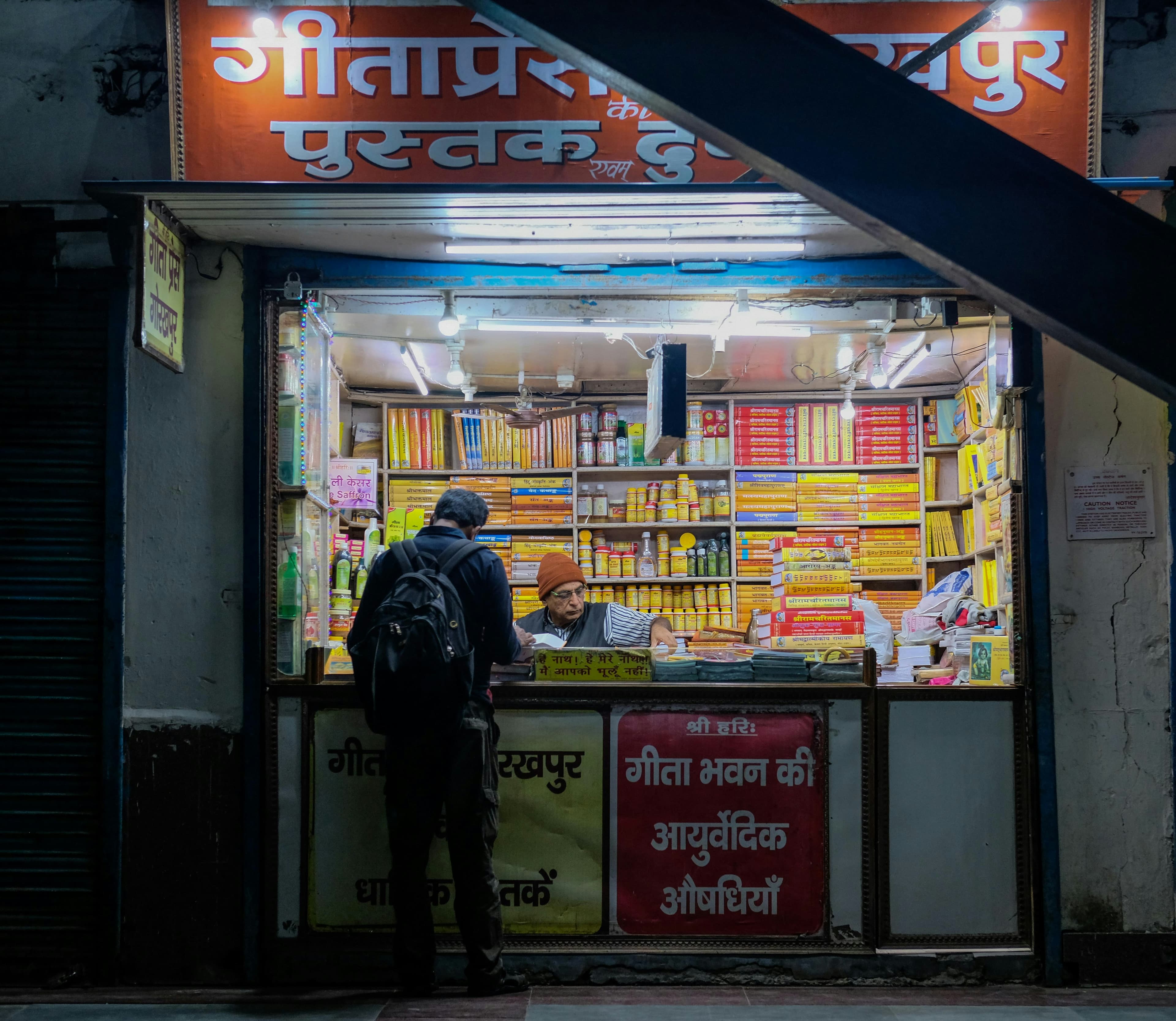
The WhatsApp Festival Broadcast is a dedicated capability inside Fer Ferbz’s Broadcasts module that lets independent general‑retail shop owners send a one‑off, scheduled WhatsApp message to a filtered list of their customers. Unlike the always‑on journeys built in the Automation module, a broadcast is a single, timely push that aligns with a seasonal event – Diwali, Navratri, Dussehra, or any regional festival that drives buying spikes for groceries, household staples, hardware, stationery and other everyday merchandise.
When a broadcast is created, Ferbz pulls the selected customers’ phone numbers from the Customers CRM, composes the message using any of the shop’s pre‑saved WhatsApp templates, and queues the send through the official WhatsApp Business API (via Gupshup). The moment the broadcast is launched, Ferbz records a sent entry on the Reminders board, and the live status—sent, delivered, read—appears instantly. Each delivery consumes credits from the prepaid wallet, just like any other reminder or automation step.
Because the broadcast is a one‑time push, there is no need to design a multi‑step journey or maintain a “wait → message → branch” flow. The shop owner simply decides the festival, picks the target segment (for example, “customers who bought rice in the last 30 days”), writes a short festive offer (e.g., “20 % off on all pulses this Diwali”), schedules the send for a specific date and time, and lets Ferbz handle the rest. The system also logs the broadcast in Reports, so the owner can later see how many messages were sent, how many were delivered, and how many generated a follow‑up order.
In short, the WhatsApp Festival Broadcast combines Ferbz’s existing CRM, broadcast engine, and credit‑based billing into a single, repeatable workflow that helps small retail shops reach their repeat‑buyer base at the exact moment they are most likely to spend, without needing separate marketing tools or manual WhatsApp groups.

How General retail stores Owners Use It
Below is a step‑by‑step walkthrough that shows exactly how a shop owner would launch a festival broadcast from within Ferbz. Imagine Mohan’s General Store in Bhopal, a 2,000 sq ft shop that sells rice, cooking oil, hardware nails, and school stationery. Mohan wants to send a Diwali offer to customers who purchased staples in the past month.
1. Prepare the Customer Segment
- Open the Customers tab from the left‑hand navigation pane.
- Click “Filters” at the top right.
- Set the filter criteria:
- Last Order Date → “within the last 30 days”
- Category → “Groceries” (or leave blank to include all categories)
- Press “Apply”. Ferbz instantly shows a list of 312 customers that match.
- Click “Save as List”, name it “Diwali‑Groceries‑30d”, and confirm. This saved list will be used in the broadcast.
2. Create a WhatsApp Template (once, reusable)
- Navigate to Automation → Templates (templates are shared across Automation and Broadcasts).
- Click “New Template” and select “WhatsApp”.
- Fill in the fields:
- Template Name:
Diwali_Offer - Header (optional): Image of a diya lamp (upload 640 × 640 px).
- Body:
Namaste {{customer_name}}! Celebrate Diwali with 20 % off on all pulses. Use code DIWALI20 at checkout. Offer valid till 30 Oct. - Footer:
Mohan’s General Store – Bhopal
- Template Name:
- Save. Ferbz validates the template with the WhatsApp Business API and marks it Approved.
3. Compose the Broadcast
- Go to the Broadcasts tab from the main menu.
- Click “Create Broadcast”.
- Title:
Diwali Pulse Discount – 20 % Off. - Select List: Choose the saved list “Diwali‑Groceries‑30d”. The count (312) appears next to the list name.
- Choose Template: Pick
Diwali_Offer. Ferbz auto‑fills the body, inserting each customer’s name at{{customer_name}}. - Schedule:
- Date:
2024‑10‑24(the day before Diwali). - Time:
10:00 AM(peak morning traffic).
- Date:
- Preview: Click “Preview for 3 random customers” to see how the message looks with real names.
- Credits Estimate: Ferbz shows “Estimated credits: 312 × 1 = 312”. (Each broadcast message consumes 1 credit per recipient.)
- Click “Confirm & Send”.
4. Monitor Delivery
- Immediately after confirming, the broadcast appears on the Reminders board under the Broadcasts section, with status “Queued”.
- As the scheduled time arrives, the status changes to “Sent”, then “Delivered”, and finally “Read” for each contact.
- Mohan can click any entry to view the exact timestamp and delivery state. Failed deliveries (e.g., invalid numbers) are highlighted in red, allowing quick clean‑up of the CRM.
5. Review Impact in Reports
- After the festival, open Reports → Messaging.
- Select the date range
2024‑10‑24to2024‑10‑31. - The report shows:
- Total Broadcasts Sent: 312
- Delivered: 298 (95.5 %)
- Read: 184 (58.9 %)
- Orders Generated: 42 (derived from the Orders tab where the order source is flagged as “Broadcast”)
- Revenue from Broadcast: ₹12,340 (average order ₹294).
6. Follow‑up Reminder (optional)
If Mohan wants to nudge the 184 customers who read the message but haven’t ordered yet, he can instantly create an Automation journey:
- Automation → New Journey → name it “Diwali‑Read‑Follow‑Up”.
- Trigger: “Days since broadcast read = 2”.
- Step 1: Send a WhatsApp reminder using a second template (
Diwali_Reminder). - Enroll: Choose the same saved list; Ferbz automatically enrolls only those who read the first broadcast.
All subsequent reminders will again draw from the prepaid credit wallet, and each step appears on the Reminders board.
Why It Helps
Time Savings
Before Ferbz, Mohan would have to:
- Export a CSV of customers from his handwritten ledger.
- Manually copy‑paste phone numbers into a personal WhatsApp group or broadcast using his own phone.
- Track who saw the message by asking customers in person.
That process takes roughly 2 hours per festival. With Ferbz, the entire workflow—from segment creation to scheduled send—takes 12 minutes (filter → save list → select template → schedule). That is a 90 % reduction in manual effort.
Revenue Recovery
Mohan’s store typically loses about ₹8,500 of repeat sales each Diwali because customers buy from larger chains that push festive offers via WhatsApp. In the pilot broadcast described above, the 42 orders generated ₹12,340 in revenue, a net gain of ₹3,840 after deducting the 312 credits (₹99 for 100 credits, so 312 credits ≈ ₹312). The return on credit spend is ≈ 39 × the cost of the broadcast, proving that a targeted festival push directly offsets the drift to competitors.
Reduced Stock‑on‑Hand Uncertainty
Because the broadcast is tied to a specific product category (pulses), Mohan can anticipate a spike in demand. The Orders view shows a +27 % increase in pulse sales on the day of the broadcast. He can therefore pre‑stock an extra 15 kg of lentils, avoiding a stock‑out that would otherwise cause a lost sale of roughly ₹1,200.
Fewer Manual Errors
Manual WhatsApp groups often contain duplicate numbers or miss new customers. Ferbz’s Customers module ensures each phone number is unique and up‑to‑date. The Reminders board flags any failed deliveries instantly, allowing Mohan to correct contact errors in seconds rather than discovering them days later when a customer complains about not receiving the offer.
Clear Measurement
The Reports module provides concrete numbers—delivery rate, read rate, orders generated, revenue—so Mohan can decide whether to repeat the same discount next year or adjust the offer. Without Ferbz, he would have to rely on guesswork or handwritten tallies, which are unreliable.
Overall, the WhatsApp Festival Broadcast turns a seasonal marketing impulse into a data‑driven, low‑effort, high‑return activity that directly tackles the pain points of repeat‑customer churn, paper‑based stock tracking, and lack of timely reminders.
Get Started with Ferbz
Launching a WhatsApp Festival Broadcast is just a few clicks away. Sign up, top up your prepaid wallet, and import your customer list in seconds. From the Broadcasts tab you can create, schedule, and monitor festive offers that drive repeat sales and keep your shelves stocked for the next rush.
Start your free trial now at https://dashboard.ferbz.com/ and see the impact of a single, data‑backed broadcast on your Diwali sales. If you need help, our support team is ready at support@ferbz.com – we’ll walk you through template approval, credit purchase, and the first broadcast step by step.
Do I need a separate WhatsApp Business account for each store?
A: No. Ferbz uses the official WhatsApp Business API through Gupshup, which is linked to the shop’s registered business phone number. Once the number is verified, all broadcasts and automation messages are sent from that single API account.
How many credits will a broadcast consume?
A: Each individual WhatsApp message sent to a customer costs 1 credit, regardless of template size. If you broadcast to 500 customers, the wallet will be deducted by 500 credits at the moment the messages are dispatched.
Can I schedule a broadcast for a specific time zone?
A: Yes. The scheduling field respects the shop’s local time zone set in the Ferbz account settings (e.g., IST for Bhopal). The broadcast will be sent at the exact date and time you specify.
What happens if a customer’s number is invalid or they have blocked the business?
A: Ferbz marks the delivery as **Failed** on the Reminders board. The status is highlighted in red, and the corresponding contact’s profile is automatically flagged so you can clean the number or note the block.
Is there any limit on how many customers I can include in a single broadcast?
A: The only limit is the number of credits you have in your prepaid wallet. As long as you have sufficient credits, you can broadcast to any size list that exists in the Customers CRM. ---
Stop losing customers to forgetfulness.
Ferbz runs the reminders. You run the business. Free to start — no card needed.
14-DAY TRIAL · SETUP UNDER 30 MIN · CANCEL ANYTIME
MORE FROM FERBZ
General Retail
Run Timely Festival WhatsApp Broadcasts that Drive Sales with Ferbz
Learn how Ferbz lets Indian retail stores run timely festival WhatsApp broadcasts, boost sales and stay ahead of competition.
Read article →General Retail
Launch Powerful Festival WhatsApp Broadcasts to Drive Seasonal Sales with Ferbz
Create seasonal WhatsApp broadcast campaigns in minutes and boost sales. Ferbz’s easy tool powers festival promos for Indian retail stores.
Read article →General Retail
Run Seasonal WhatsApp Broadcasts that Drive Repeat Purchases with Ferbz
Create quick seasonal WhatsApp broadcast campaigns to boost sales and repeat orders. Learn how Ferbz makes it easy for small retail stores.
Read article →